
← All featuresBring the data.
07 / CardCat system
Bring the data.
Lose the mess.
Move an existing spreadsheet into CardCat without rebuilding the collection one card at a time.
CardCat / Import
Import status
Rows mapped.
Match columns, review the incoming records, catch duplicates, and import when everything looks right.
Live collection data
CC / 07
Inside the app
This is the
real workspace.
Built from real CardCat screens and cards from the CardCat catalog. Account credentials and private notes are never shown.
app.cardcat.io / import
CardCat workspace
Import
Review your spreadsheet before it becomes your catalog.
Mapping
Your column
CardCat field ↓
Mapped
Player Name
Player ↓
Mapped
Set / Brand
Set ↓
Mapped
Purchase Price
Cost ↓
Create
120
Update
4
Needs attention
2
Skip
0
PlayerSetYearStatus
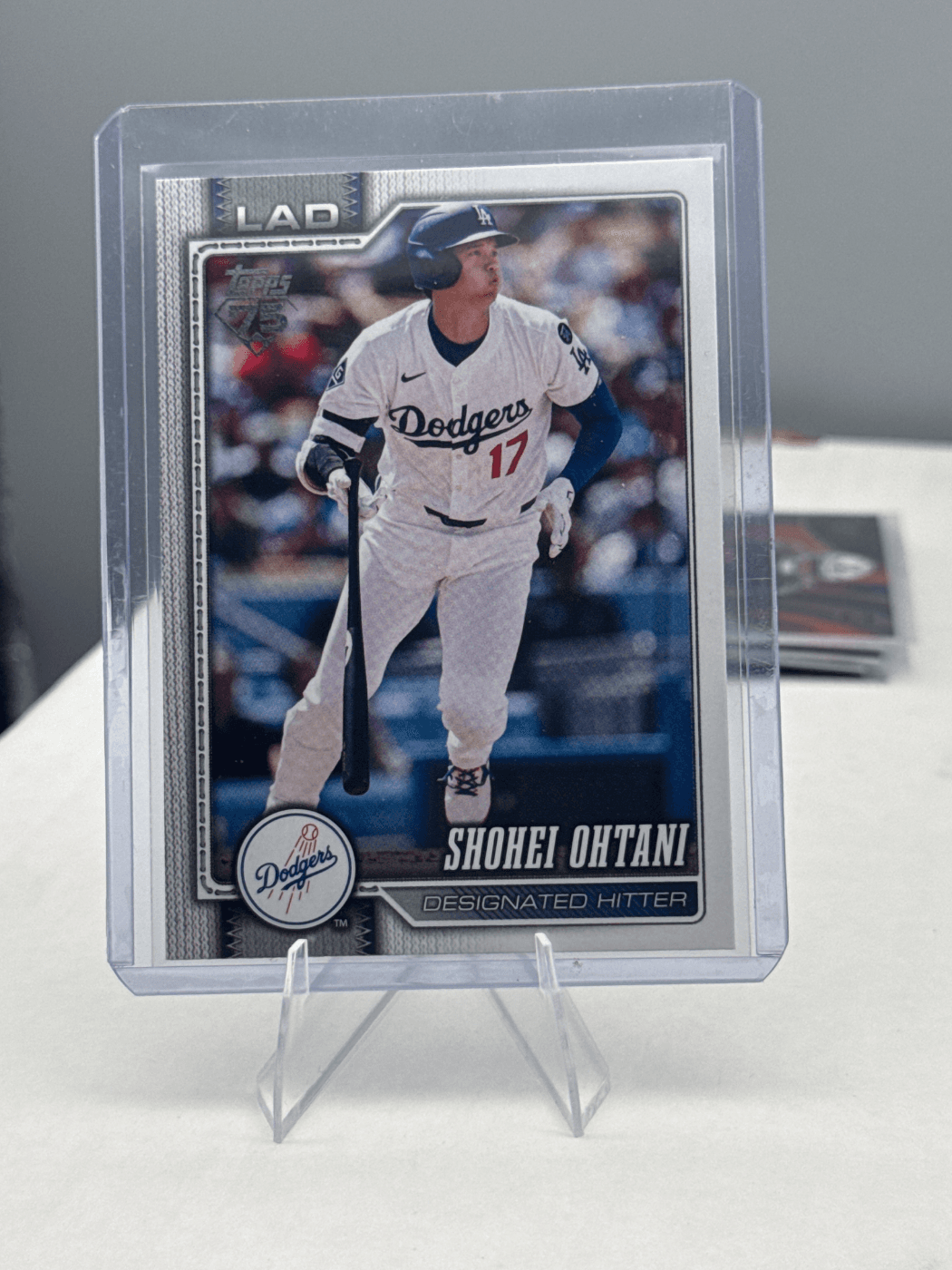
Shohei Ohtani20262024Ready
Pete Maravich2024-252024Review
Dirk Nowitzki2024-252024Ready
Required: Player / Pokémon • Year • Brand • Set • Quantity • Status
How it moves
Three moves.
Zero mess.
- 01
Upload the CSV
Bring the spreadsheet you already use instead of abandoning all that work.
- 02
Map the columns
Match your player, set, year, value, notes, and other fields to CardCat.
- 03
Review and move
Preview the rows, resolve issues, then create the collection in one pass.
Your old system can come with you.
What you get
- ↗A faster start for existing collections
- ↗Preview before anything is saved
- ↗Export-ready collection and sales data
Keep exploring